
Hosting, compared
OpenClaw hosting vs a studio that is already on, 24/7, with a log
People pay for "your dedicated OpenClaw server in 1 click" and "zero setup, on 24/7" because the thing they want is an agent that keeps running.
If what you want from hosting is an agent that runs on a schedule while you sleep, that is what QGI Studio is, without the server. If you want to own the runtime, host OpenClaw.
No credit card. First file in under five minutes. Cancel anytime.
Three things that are different here.
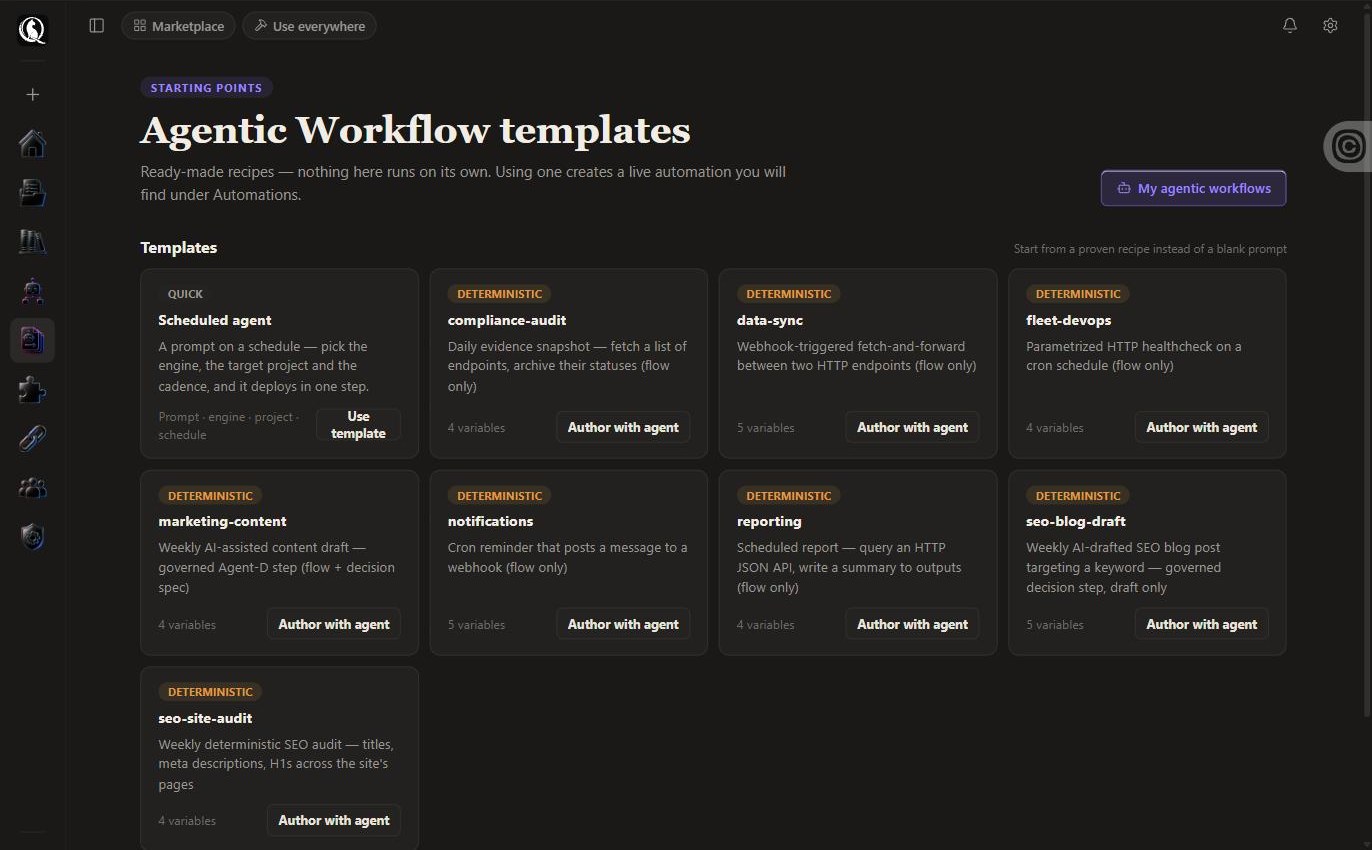
- Scheduled automations in the cloud, with a run log and an approval step.
- Your own keys, your own MCP servers, added once.
- Nothing to patch. Nothing to restart.
- What it costs: Scheduled automations are included from Founder, $20 a month.
When to use which.
Stay with what you use if
- You need the agent on your own network or hardware.
- You want to modify the platform code.
Use QGI Studio if
- You want it running today.
- You want the file and the log, not a shell.
Plain answers.
- Where does it run?
- On QGI’s cloud fleet. Every run executes in an isolated workspace.
- Can I export everything?
- Every artifact and every project. Your keys and your data leave with you.
- Do I need a credit card to start?
- No. Free needs no card. When Free is full you can join the list or start Founder with 14 days free.
- Can I bring my own API key?
- Yes, on every plan. Runs on your key go to your vendor at their price. We add nothing, and your key never hits a usage limit.
Try it on your own file.
No credit card. First file in under five minutes. Cancel anytime.